


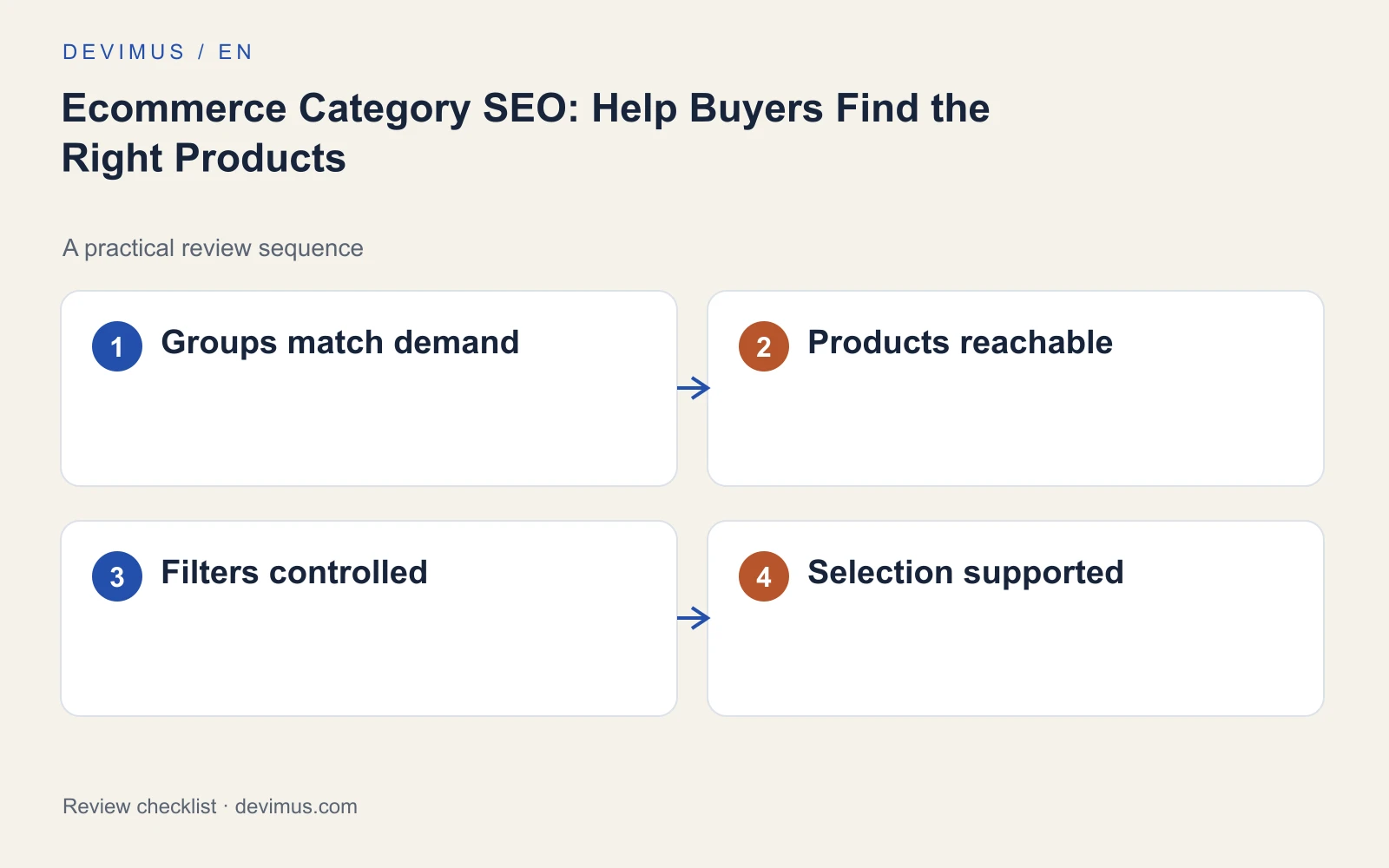
Ecommerce category page SEO comes down to one job: helping a shopper who knows the type of product they need, but not the exact item, narrow the choice quickly. A good category page gives that person sensible groupings, filters that make sense and enough guidance to pick with confidence. The same structure gives search engines a clear, crawlable route to every product. This guide covers how to plan categories, keep products reachable, control filters and find where selection breaks down.

What makes a category page worth ranking?
A category page earns its place in search when it represents a selection people actually look for and helps them choose within it. Search engines tend to show one page from your site for a given need, so a store with ten near-identical collections often ends up with none of them performing well.
Start with the questions a buyer asks at this stage. Which of these fits my space, my device or my budget? What is the difference between these two types? Is it in stock, and how fast can it arrive? Your category structure and copy should answer those questions before the shopper has to open five product pages to compare.
This is also where category pages differ from product pages that answer pre-sale questions. The product page proves one item is right; the category page helps narrow the field.
How should you group products into categories?
Group products using distinctions customers understand: use, compatibility, material, size or a meaningful product type. Avoid groupings that only make sense internally, such as supplier names or warehouse codes, unless your buyers genuinely shop that way.
Before creating a new category, check three things:
- Demand: people search for or browse this selection, which you can confirm from site search, Search Console queries and sales conversations.
- Depth: you have enough products to make it a real choice, and you expect to keep stocking them.
- Distinct guidance: the page can say something useful that the parent category cannot.
If a proposed category fails these checks, keep it as a filter instead. A filter helps users on the page without asking search engines to treat every variation as a separate destination. When you are restructuring an existing store, map old category URLs to new ones before launch; our website redesign SEO checklist covers that migration step in detail.
How do you keep every product reachable?
Check the route from main navigation to category to product. Products should be discoverable through ordinary links, not only through an internal search box or a script that loads items after the page renders.
Review these points with your developer:
| Area | What to check |
|---|---|
| Pagination | Each page has its own URL and normal links to the next and previous pages |
| Infinite scroll | Products loaded on scroll also exist at paginated URLs a crawler can follow |
| Empty categories | Temporarily empty pages explain the gap; retired ones redirect to a relevant parent |
| Canonicals and sitemap | Canonical tags, internal links and sitemap entries point to the same preferred URLs |
| Breadcrumbs | Each product links back to its category so the hierarchy is clear |
Inconsistent signals are a common problem: the sitemap lists one URL, the canonical names another and the navigation links to a third. Our technical SEO service usually starts by lining those up.
Which filter pages should be indexed?
Faceted navigation can generate thousands of URLs from a handful of filters. Most of them are useful to shoppers on the page but add nothing as search landing pages. Indexing all of them spreads attention across overlapping URLs and wastes crawling on combinations nobody searches for.
A sensible approach is to choose a short list of filtered views that match real demand, give each a stable URL, a unique title and a short introduction, and link to them from the parent category. Leave the remaining combinations usable but keep them out of the index and out of your sitemap. Google explains the options for consolidating duplicate URLs, and the right method depends on your platform.
How do you help shoppers choose on the page?
Add concise advice about fit, differences and constraints alongside the collection. A sentence explaining the difference between two materials, or a note on measuring before ordering, can stop a shopper bouncing between tabs. Explain filter labels that are not obvious and keep availability accurate, because a filter that returns out-of-stock items quickly loses trust.
Do not push the products beneath a long block of repetitive SEO text. Put a short introduction above the grid and any longer buying guidance below it, or in a separate guide that the category links to. Clear, specific writing also helps the category appear as a useful source in AI-generated answers, which our AI SEO service reviews alongside traditional rankings.
How do you measure category page performance?
Rankings alone will not show whether a category works. Review search queries, category-to-product clicks, filter use and completed purchases together. A category with healthy traffic but few product clicks suggests the grouping or the first screen does not match what people expected. Strong product clicks with weak sales point further down the path, towards product pages or checkout.
Look at internal site search too. Terms people type after landing on a category often reveal missing filters, unclear names or a selection that deserves its own page.
An example to apply
Illustrative scenario, not a client case study.
A furniture store sells dining chairs. The main category needs filters for material, seat height and dimensions, with a line explaining how to measure the space around a table. Search data and customer questions show steady interest in chairs for small dining rooms, so the store creates a curated page for that need, with compact options, measuring advice and a link back to the full range. Filters for colour, price and finish stay on the main page without becoming separate indexed URLs. The decision starts from the buying need, not from what the platform can generate.
Discuss your project
Show Devimus your catalogue and the collections that matter most to revenue. We will review navigation, category content, filter indexing and product discovery, then tell you what to fix first.
Explore the relevant service · Request a free estimate