


A small business marketing dashboard should show where your clients come from and which decision to make next. For a service business, the core question is how each channel contributes to suitable enquiries and won work, not how many colourful charts fit on a screen. The most useful dashboards track a handful of defined stages, from spend to signed clients, with clear rules for dates, duplicates and costs. This guide covers what to include, how to keep the ratios honest and how to turn the numbers into actions.

What should a small business marketing dashboard include?
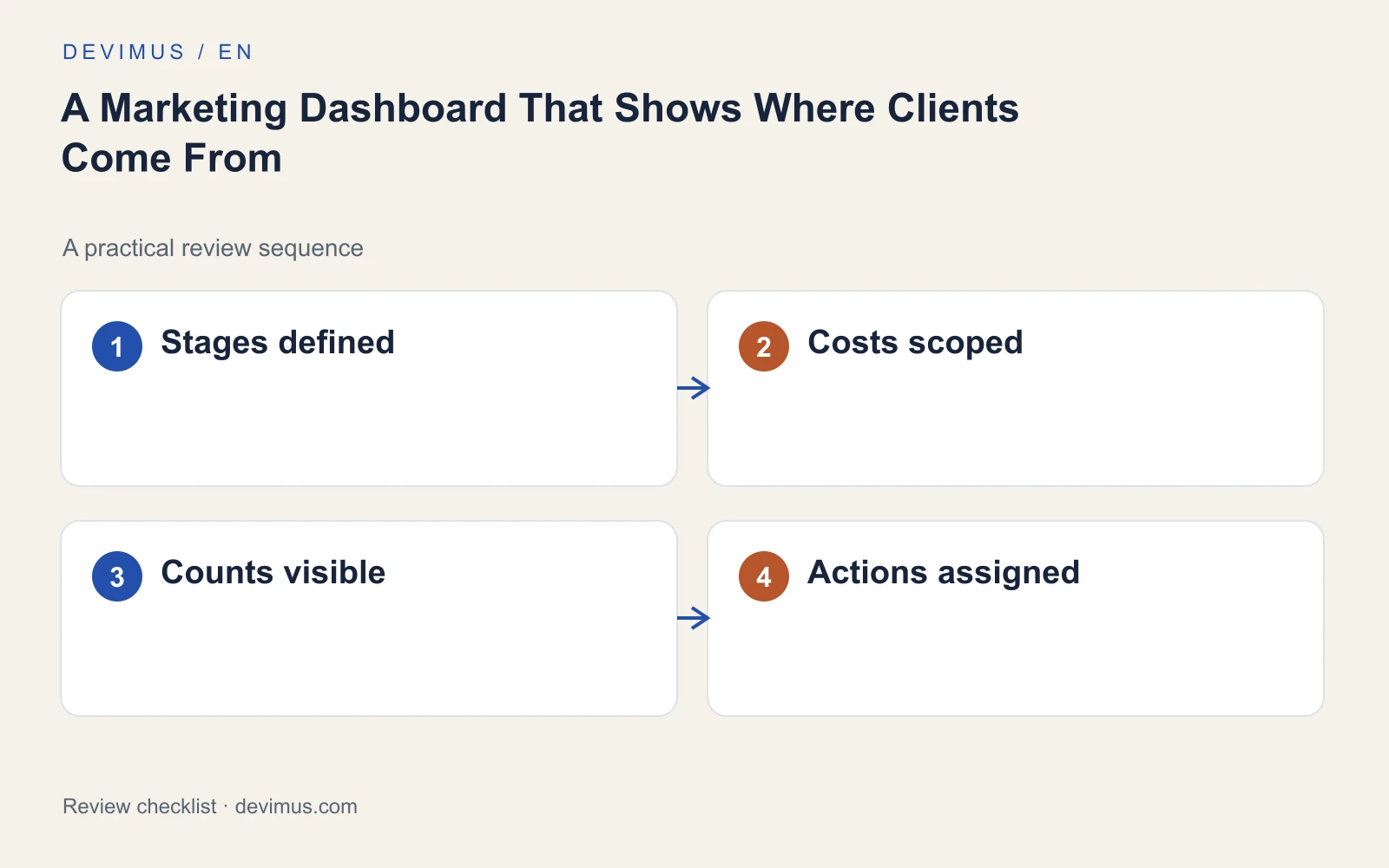
Start with a small set of stages and show them for each channel, such as Google Ads, organic search, referrals and social media. Each stage needs a written definition that everyone uses.
| Stage | Definition to agree | Typical source |
|---|---|---|
| Spend | Media only, or media plus management and production | Ad platforms and invoices |
| Enquiries | Unique contacts after duplicates are removed | Inbox or CRM |
| Qualified enquiries | Contacts that meet your agreed criteria | CRM |
| Proposals | Quotes or proposals actually sent | CRM or quoting tool |
| Won clients | Signed or paid work, with its value | CRM or accounts |
Decide how duplicates are handled before the first report. A person who fills in a form and then calls the next day is one enquiry, not two. If you have not yet set up reliable measurement for each contact route, start with our guide on how to track website forms, calls and qualified leads.
Where should the dashboard data come from?
Spend comes from your ad platforms and invoices. Traffic and on-site actions come from analytics. Qualified enquiries, proposals and won clients come from your CRM or a shared spreadsheet, because only your team can judge them. The dashboard joins these sources; it does not replace any of them.
To know which channel produced each enquiry, tag campaign links consistently with UTM parameters and keep a fixed list of source names. Store the source on the CRM record when the enquiry arrives. You do not need expensive software at the start: a well-kept spreadsheet updated weekly is enough to prove which numbers you actually use. Automate the connections once the definitions have stopped changing.
Which numbers can you leave off the main view?
Impressions, followers, sessions and clickthrough rate are easy to collect and often fill the first screen of a report. They help explain why something changed, but none of them tells you whether marketing produced work. Move them to a secondary view that you open when a main number moves.
Apply a simple test to every metric you are tempted to add: if it doubled or halved next month, would you do anything differently? If the answer is no, it does not belong on the main screen. A dashboard with eight well-defined numbers gets read. One with forty gets skimmed and then ignored.
How do you keep dates and comparisons fair?
Keep the date a lead arrived separate from the date it became a client. Otherwise this month’s spending is compared with clients won through much older activity, and the channel that happened to be active recently takes the credit.
A simple fix is a cohort view: take the enquiries received in a given month and show what has happened to them since, however long it takes. Alongside it, keep the usual view of clients won this month. The two answer different questions. The first tells you whether recent marketing is producing the right kind of enquiry. The second tells you about revenue right now.
How do you make cost ratios meaningful?
Cost per qualified enquiry equals the relevant acquisition cost divided by the number of qualified enquiries. State clearly whether cost includes management, content and production or media spend alone. Show the underlying counts beside every ratio, because a figure built on three enquiries can swing sharply from one month to the next.
A channel with one client should not be declared better than another without considering volume, margin and sales-cycle differences. Search engine optimisation, for example, often has costs that come before the results, so a single month says little. Our comparison of SEO and Google Ads budgets explains why the two need different time frames. If a channel delivers plenty of enquiries that your team rejects, the dashboard should point you to a Google Ads lead quality review or its equivalent for that channel.
How do you turn the dashboard into decisions?
Annotate campaign launches, website changes, tracking failures and capacity limits directly on the dashboard. A drop in enquiries during a week when the form was broken is a tracking issue, not a channel problem. Review results with the person who handles enquiries, since they often know why numbers moved.
A short, repeatable agenda keeps each review focused:
- What changed since the last review, and could it be a tracking issue?
- Which channel moved qualified enquiries, not only total volume?
- Is any rejection reason rising?
- What single action follows, who owns it and by when?
When a number changes, assign the next investigation: targeting, page clarity, response time or qualification. Keep uncertain attribution visible rather than assigning every sale to a convenient last click. If you are setting priorities for the coming months, a 90-day digital marketing plan gives the dashboard a set of goals to measure against.
An example to apply
Illustrative scenario, not a client case study.
A proposal accepted this month may come from an enquiry received two months ago. Show both the month of enquiry and the month of sale when reviewing performance. Otherwise a recent campaign can receive credit for old pipeline, while a promising new campaign is judged before its opportunities have had time to mature. Seeing both views side by side makes the decision to keep, adjust or stop a campaign much easier to defend.
Discuss your project
Bring Devimus your existing reports and sales stages. We will help you define the stages, connect the sources and build a dashboard that links channel activity with the decisions your team actually makes.
Explore the relevant service · Request a free estimate