


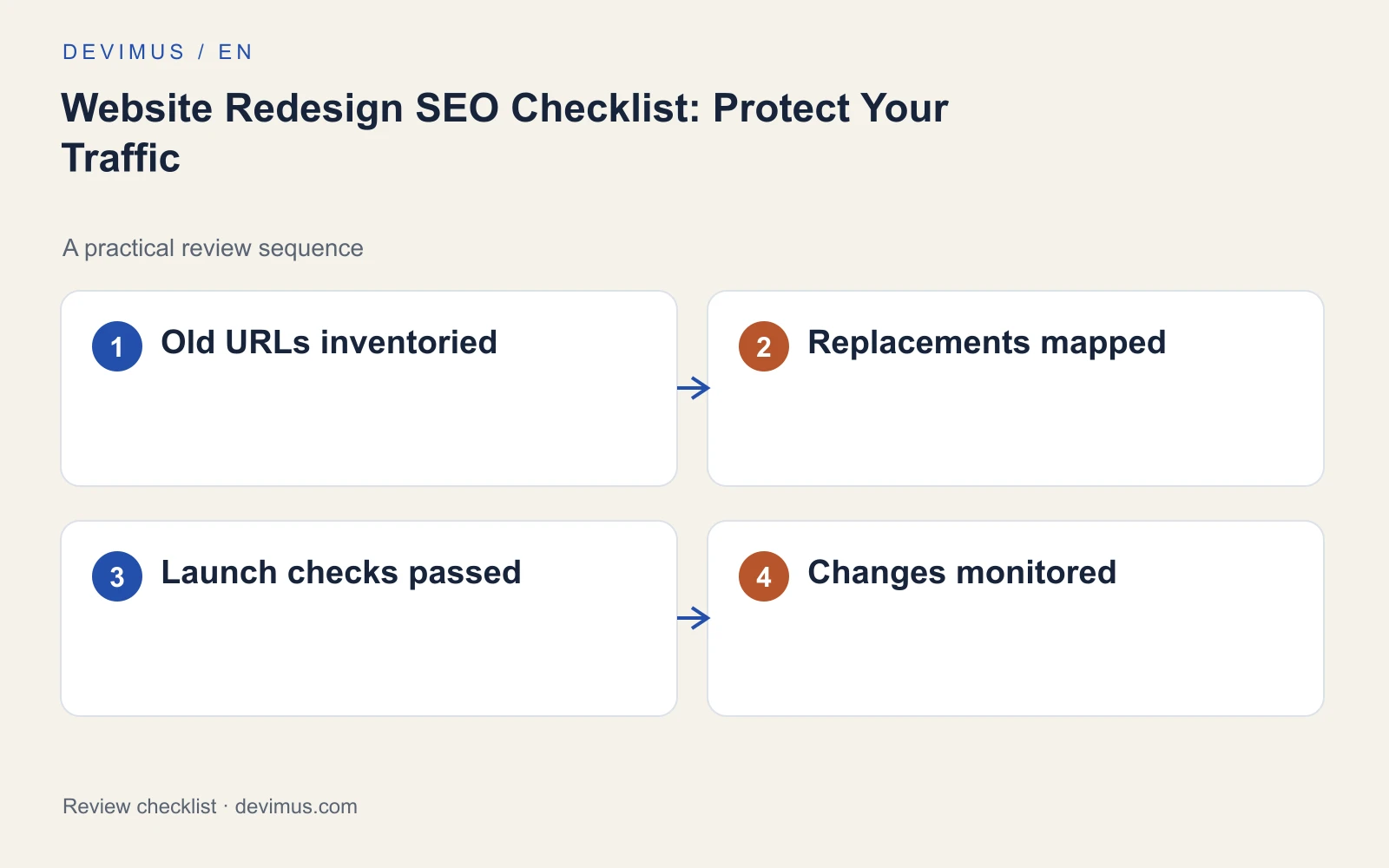
A website redesign protects its SEO when you treat existing URLs, content and enquiry routes as assets to carry across, not as things the new design can quietly replace. The checklist is simple: inventory what already earns visits and enquiries, decide what happens to every valuable URL, test the replacement site before launch and monitor page by page once it goes live. Do this before visual design work begins, especially if URLs, navigation or the CMS will change.

When does a redesign put search traffic at risk?
Not every redesign carries the same risk. Changing colours, fonts and layouts while keeping the same URLs and content is relatively contained. The risk grows when URLs change, pages are merged or removed, the navigation is restructured, the CMS or domain changes, or large amounts of content are rewritten at the same time.
Each of those changes can break a path that customers or search engines rely on. Google treats changed URLs as a site move, which is why redirects and a clear mapping matter. If you can, separate the changes: launching a new design on the existing URL structure and restructuring later makes problems much easier to diagnose.
How do you build a URL inventory that is actually useful?
Before design work starts, export every URL you can find: from the CMS, the XML sitemap, a crawl of the site, Search Console and analytics. Include pages outside the main menu, PDFs, language versions and old campaign landing pages. If you have had an SEO audit, its technical crawl is a good starting point.
For each URL, record:
- Clicks and impressions from search, and the queries behind them.
- Enquiries, calls or sales the page supports.
- External links pointing to it.
- Title, meta description, canonical address and main heading.
- Its purpose, and the proposed destination in the new site.
The aim is to preserve useful journeys, not merely reproduce the navigation. Treat the inventory as a business document that content, design and development all work from.
Check the content as well as the address. If a page that ranks for a service is rewritten into a shorter, more visual version, it may lose the detail that answered the search. Keep the substance of high-performing pages, including headings, FAQs and proof, unless you have a clear reason to change it.
What should happen to each old URL?
Give every valuable old URL a deliberate outcome. Most fall into one of four situations.
| Situation | Decision | What to do |
|---|---|---|
| Page stays at the same address | Keep | Carry content, title and internal links across |
| Page stays at a new address | Redirect | Permanent redirect to the new URL |
| Content merged into another page | Redirect | Point to the page that genuinely covers it |
| No relevant replacement | Retire | Return a not-found response |
Use permanent server-side redirects for moved content; Google’s guidance on redirects and Google Search explains the options. Do not send every removed page to the homepage simply to make the spreadsheet look complete. A destination should fulfil the expectation created by the old link as closely as practical. Avoid redirect chains by pointing old URLs straight to final destinations, and update internal links so they no longer depend on redirects at all.
What should you test before launch?
Test the replacement site on staging against the inventory, not from memory. Check that priority content is present, internal links point to final destinations and forms deliver to the right inbox. Validate each redirect against the mapping. Review canonical tags and, for sites in several languages, the hreflang relationships; our guide to multilingual website SEO covers those checks.
Keep staging out of search with password protection or a noindex rule, then explicitly confirm that the restriction is gone on production at launch. A beautiful new design cannot compensate for a production noindex left behind. Shared templates deserve extra attention, because one error in a service page template can affect dozens of URLs.
Name the person who decides whether the site is ready, and give them evidence from content, design and development. Record unresolved issues with their consequence and an owner, rather than a general note that testing is almost finished. A technical SEO review at this stage costs less than recovering lost visibility later.
How should you monitor the site after launch?
Save a clear pre-launch baseline and note the release time. After launch, test important old URLs on the live site rather than relying on staging checks, and submit the updated XML sitemap in Search Console. Test contact delivery again, because integrations and environment settings often differ between staging and production. If you track forms, calls and qualified leads properly, you will see quickly whether the new site is still producing enquiries.
Compare relevant pages and queries before and after the change. Some search fluctuation is normal during a migration, so look for missing pages, broken redirects and lost enquiries before interpreting ranking movement. A broad disappearance needs a different investigation from a small movement on one query. Keep the old URL inventory and a dated log of fixes so problems can be diagnosed rather than guessed.
An example to apply
Illustrative scenario, not a client case study.
If an old renovation page becomes part of a broader construction page, check whether the replacement still answers renovation buyers. A technically valid redirect can still disappoint users when the destination loses scope and proof. Keep the relevant content or create a suitable replacement before retiring the original URL. If the old pages served genuinely different buying situations, merging them may be the wrong choice.
Discuss your project
Send Devimus your current site, proposed platform and launch deadline. We plan redesigns with the URL inventory, redirect mapping and post-launch checks built in from the start.
Explore the relevant service · Request a free estimate