


To track website leads properly, record what actually happened at each step: a form the system accepted, a call that connected and an enquiry your team judged worth pursuing. Clicking a telephone link is not the same as speaking to a customer, and loading a thank-you page is not always proof of a new enquiry. This guide shows how to write a simple tracking specification, separate intent from real contact, keep personal data out of analytics and check the numbers against your inbox.

What should lead tracking actually measure?
Each signal proves something different, and most of them live in different systems. Decide upfront which one answers which question.
| Signal | What it proves | Where it is recorded |
|---|---|---|
| Form success | The website accepted a submission | Analytics and ad platform |
| Phone link click | Someone intended to call | Analytics |
| Connected call | A conversation took place | Call tracking or phone records |
| Email link click | Someone intended to write | Analytics |
| Qualified enquiry | Your team judged it suitable | CRM or shared spreadsheet |
| Won client | The enquiry became paid work | CRM or accounts |
Analytics tells you which pages and channels start enquiries. The sales record tells you which of them became business. You need both, and you need to know where one stops and the other starts.
How do you write an event specification?
A tracking specification is a short document, often a single table, that lists every contact route and how it is measured. For each route, record:
- The event name and the exact trigger.
- The success condition, such as a confirmed response from the server.
- Non-personal parameters such as form name, page and service.
- Whether the event is marked as a key event or ad conversion.
- The test cases and who signed them off.
Fire a form success event only after the application confirms acceptance, not when someone clicks submit. Where it fits, use Google’s recommended event names, such as generate_lead for a contact form, and add a parameter that names each form. That keeps reports readable when you have a quote form, a callback form and a newsletter signup on the same site.
How should you track phone calls and email clicks?
Track clicks on telephone and email links as intent. People tap numbers by accident, change their mind or call later from a desk phone. A click tells you which page prompted the attempt, which is useful, but it is not a lead.
If calls matter to your business, use a system that confirms the call. Call tracking numbers can show which channel produced a conversation. Google Ads can count calls from ads and, where available, calls from your website, with a minimum call length you choose. If phone taps are currently counted as your main Google Ads conversion, our Google Ads audit checklist explains why that should be corrected first. For email, record the enquiries that actually arrive in your inbox as part of the sales process.
How do you keep personal data out of analytics?
Do not send names, email addresses, phone numbers or message contents into analytics events. Check thank-you page URLs as well, because some forms pass the visitor’s details as query parameters, and those end up in page reports. Google’s guidance on avoiding personally identifiable information explains what to look for.
Use non-identifying fields for page, service and source, and keep personal details in your CRM or inbox where access is controlled. Respect consent choices too. When visitors decline analytics, some enquiries will not appear in reports, and that is one reason totals never match perfectly.
How do you connect each lead to its source?
Analytics can show which channel started a visit, but your CRM record needs the source too, or you cannot tell which channels produce qualified work. Tag campaign links consistently with UTM parameters, keep Google Ads auto-tagging switched on and agree a short list of source names, so that "facebook", "Facebook" and "fb" do not become three separate channels.
Many forms can also pass the landing page and campaign values into hidden fields, so each enquiry arrives with its source attached. For phone enquiries, a simple question such as "where did you find us?" fills the gap. Treat that answer as a useful check rather than exact attribution, because people often remember only the last thing they saw.
How do you test and reconcile tracking with the inbox?
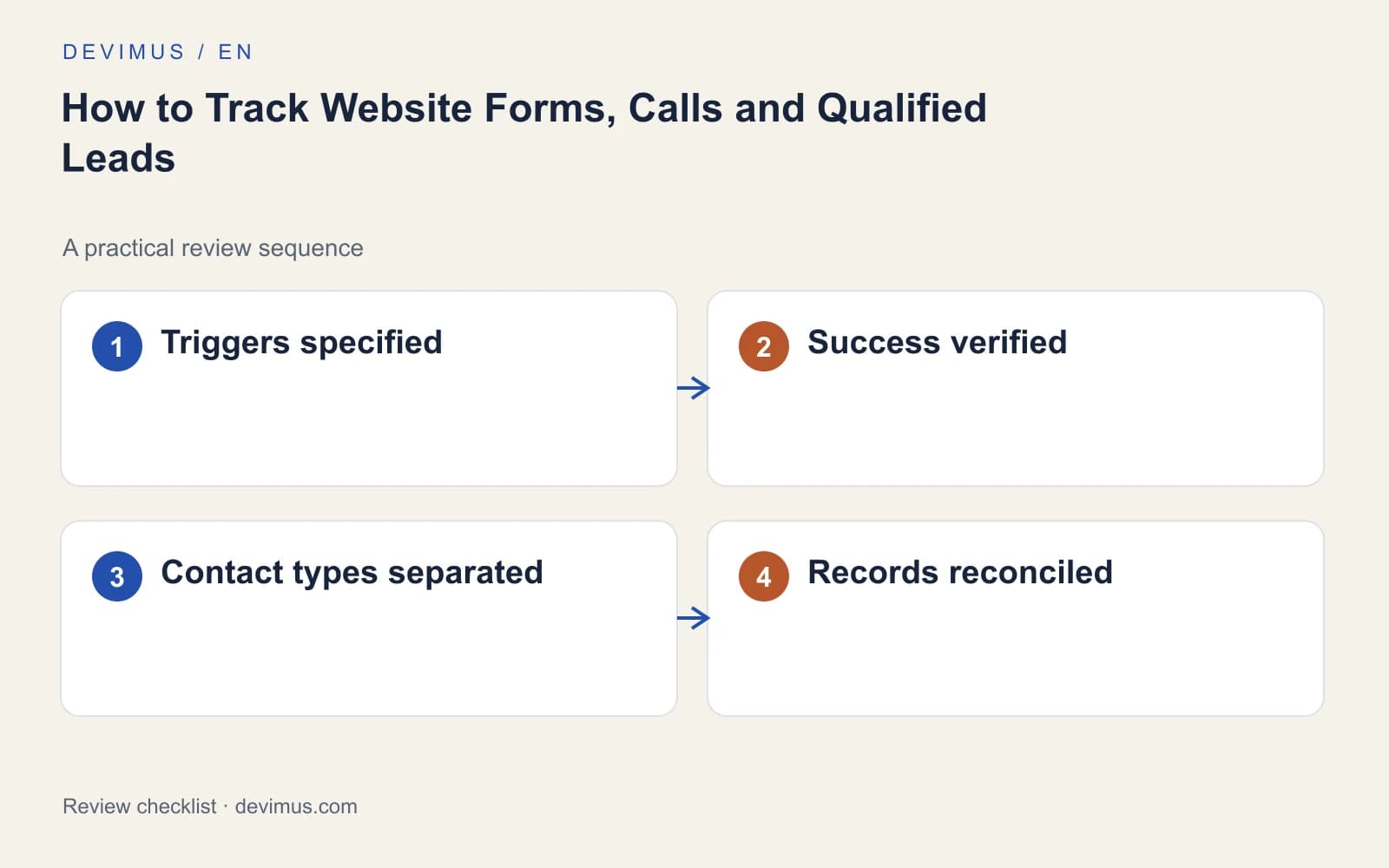
Before you rely on the numbers, test each route on a phone and a desktop. Submit a valid form, submit one with an error, click submit twice, refresh the thank-you page and try a submission when email delivery fails. Each test should produce exactly the business record you intended and no extra success events.
Then compare measured form success with received enquiries and qualified leads every week or month. Investigate gaps rather than forcing totals to match: consent, blocking, duplicates and cross-device journeys all affect measurement. Keep one business record per enquiry, log a rejection reason for unsuitable ones as described in our guide to Google Ads lead quality, and document which system answers which question. Those records then feed a marketing dashboard that shows where clients come from.
If tracking is accurate and enquiries are still scarce, the problem is likely on the page itself. Our guide on why a website gets traffic but no enquiries covers the usual causes.
An example to apply
Illustrative scenario, not a client case study.
A visitor presses submit twice after a slow response, then refreshes the thank-you page. Your test should confirm that this produces one business record without inflating success events. Keep operational deduplication, which stops your team receiving two copies, separate from analytics reporting, and test the failure message the visitor sees when delivery is unavailable. A form that fails silently loses the enquiry and leaves no trace in either system.
Discuss your project
Ask Devimus to review your forms, calling routes and reporting definitions. A good tracking plan includes a written specification, test cases and a clear handover so your team can maintain it.
Explore the relevant service · Request a free estimate