


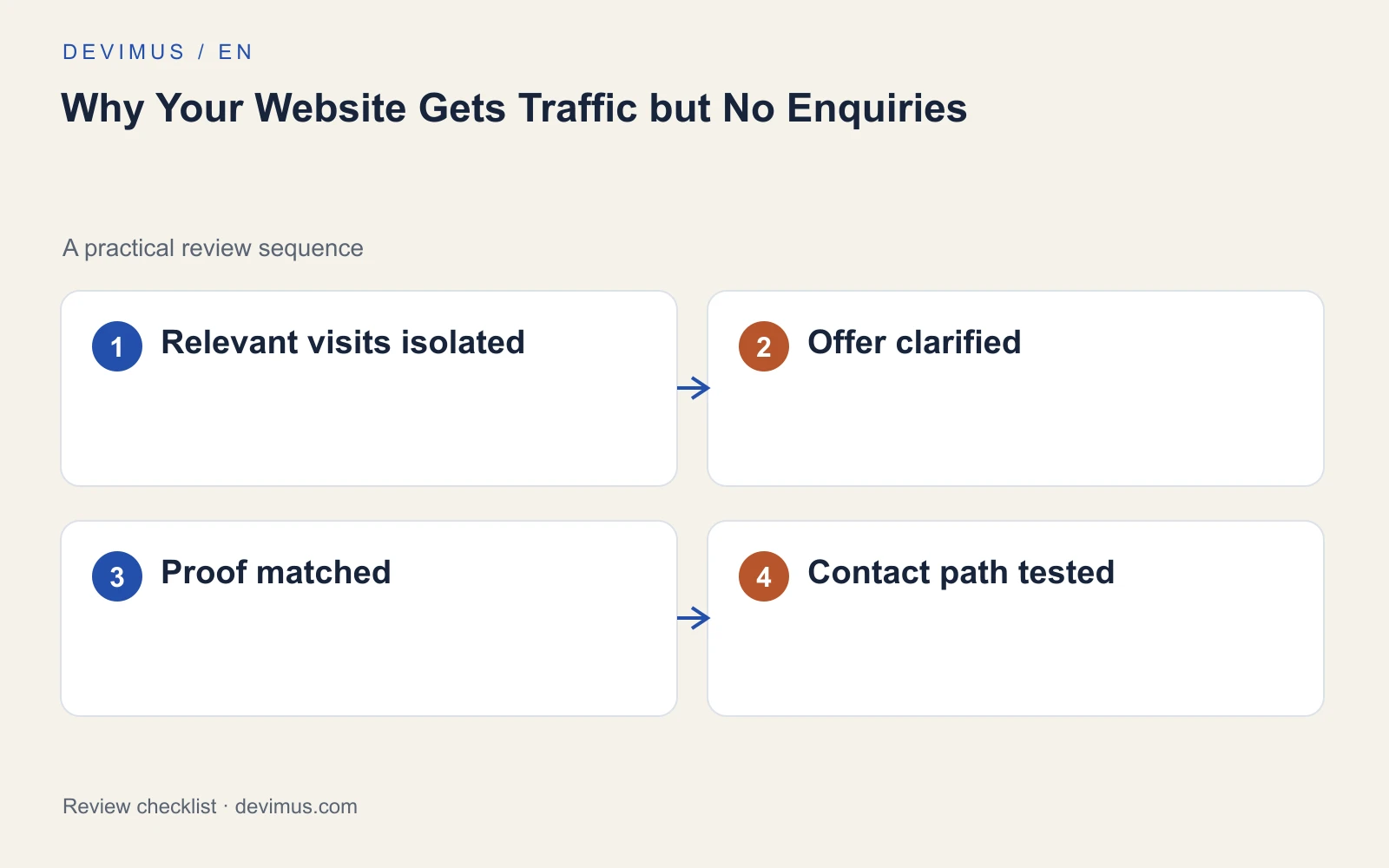
If your website gets traffic but no enquiries, the cause is usually one of four things: the wrong visitors are arriving, the right visitors cannot tell whether you suit them, the page does not earn enough trust, or the contact route fails somewhere between the button and your inbox. Buying more traffic before you know which one applies tends to repeat the same problem at a higher cost. Work through the stages in order and fix the first one that breaks.

Is the traffic you measure the traffic that can buy?
Total sessions mix very different intentions. Someone reading a definition, an existing customer checking opening hours and a business owner comparing suppliers all count as visits. Before you judge the enquiry rate, separate service and quote pages from blog and informational pages.
Then review the queries, locations and devices behind the service-page visits. A popular guide can attract students or people outside your service area without being broken. That traffic has value, but it should not be the baseline for deciding whether the website converts.
- Group landing pages into service, location, blog and other pages.
- Check which search queries bring visitors to each group.
- Filter out locations you do not serve.
- Compare enquiries only against visits with a plausible buying need.
Where does the buying decision become difficult?
Follow the route a buyer takes: entry page, service information, proof, contact. Look for gaps along the way. An article that never links to the relevant service, a service page without scope or a contact form that makes the visitor restart the explanation all lose people quietly.
A useful diagnosis names the exact point where the decision gets hard. “We need a modern design” is too broad to act on. “Visitors reach the pricing section and leave because it says nothing about what affects the quote” is something you can fix this week.
Does your service page answer the questions buyers actually have?
Before contacting you, most buyers want to know whether you handle their type of job, whether you cover their area and what happens after they get in touch. Your service page should state who the work is for, what is included, where you operate and what the next step looks like. Our guide to service page SEO covers how to structure that page so it can also rank.
If you cannot publish a fixed price, explain the factors that affect the quote and the information you need to estimate accurately. Hiding every commercial detail forces people to contact you before they know whether you fit, and many simply leave instead.
Explain important exclusions too. A suitable visitor should recognise the offer quickly, and an unsuitable one should be able to opt out without taking up your time.
Is your proof placed where the doubts appear?
Generic claims such as “quality service” or “trusted experts” do little. Put evidence beside the claim it supports. A genuine project description should explain the customer’s problem, the work performed and any relevant constraints. An unexplained photo gallery or an anonymous testimonial rarely answers the concern that stops someone enquiring.
Reviews help when they are real and recent. A steady Google review request process gives you current, specific feedback to reference. Only use material you have permission to publish, and keep illustrative examples clearly separate from completed client work.
What happens after someone presses submit?
A working button does not mean the enquiry process works. Submit the form on a phone, trigger the validation messages on purpose and confirm the message lands in a monitored inbox. Test telephone links and the acknowledgement the customer sees. The web.dev course on building usable forms is a good reference for labels, error messages and mobile input types.
Then follow the enquiry beyond the website: notification, assignment, response and qualification. A broken integration or a slow reply can make an operational problem look like a marketing failure. If you cannot see which enquiries became real opportunities, set up tracking for forms, calls and qualified leads before changing anything else.
Prioritise the most direct repair. Fix a failed form before commissioning a redesign, and clarify a confusing offer before buying more traffic. If paid campaigns are involved, check whether the adverts promise something the page does not deliver; our article on poor Google Ads leads walks through that mismatch.
When does the problem justify a redesign?
A redesign makes sense when the obstacles are structural: the site cannot hold the service pages you need, editing is so awkward that information goes out of date, or the templates break on mobile. It is harder to justify when the real issue is one unclear page, a broken form or slow follow-up.
Before deciding, list the problems you found at each stage and what fixing each one would require. If most of them need new templates, navigation or a different platform, a website redesign may be the efficient route. If they are content and process issues, fix those first and measure again.
An example to apply
Illustrative scenario, not a client case study.
A popular article about DIY repairs may produce many visits and almost no service enquiries. That is a different problem from a quote page receiving suitable visitors whose messages never reach your inbox. Segment by landing page before using a site-wide conversion rate to justify a redesign.
As a quick exercise, compare three recent suitable enquiries with three unsuitable ones. If the suitable ones all ask about the same missing detail, add it to the page. If the unsuitable ones request a service you do not offer, correct the page or advert that created that expectation.
Discuss your project
Send Devimus the page receiving traffic, your main service and an example of a suitable enquiry. We will review the route from visit to enquiry and tell you which stage to fix first.
Explore the relevant service · Request a free estimate