


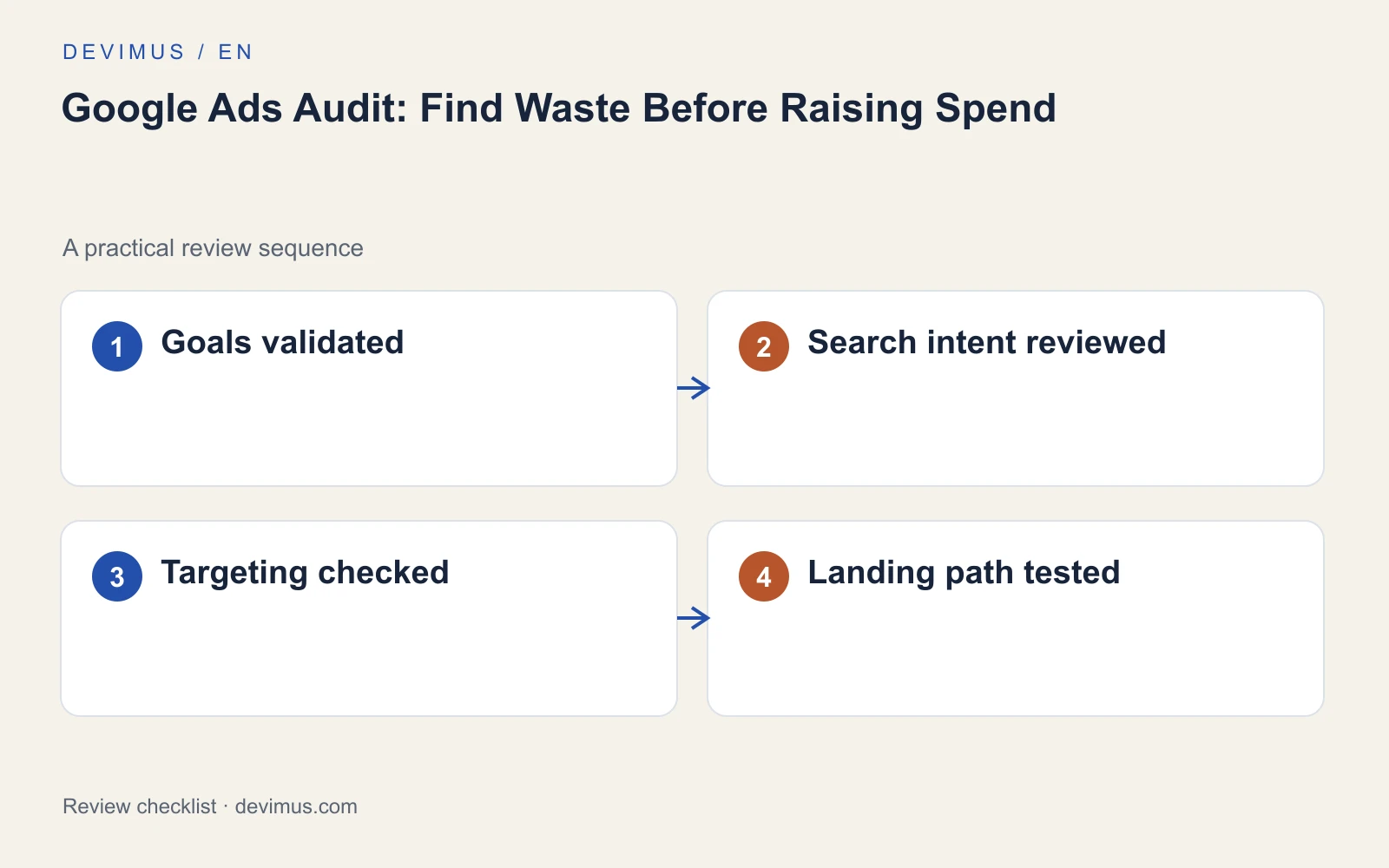
A Google Ads audit should show where your budget stops producing useful enquiries, before you add more money to the account. Start with measurement, because every other decision depends on it. Then inspect what triggered your ads, who saw them and what happened after the click. A low cost per click is not proof of a healthy campaign, and a high conversion count means little if the wrong actions are being counted. This checklist follows that order, so each fix rests on data you can trust.

Why audit Google Ads before raising your budget?
Raising spend on an account with hidden problems usually buys more of the same problems. If tracking counts the wrong action, automated bidding learns from the wrong signal. If search terms drift towards job hunting or DIY research, extra budget follows them there.
An audit gives you a baseline. Record the current settings, conversion actions, budgets and recent changes before you touch anything. Google Ads keeps its own change history, but a short log of what you changed and why is easier to review later. If you are still deciding whether paid search is the right channel at all, our comparison of SEO and Google Ads budgets covers that decision first.
Step 1: Are your conversions measuring real enquiries?
Open the conversion settings and check which actions are marked as primary. Primary actions feed the Conversions column and, in most setups, bidding. A page view, a scroll or a button click can make a campaign look successful without producing a single enquiry.
Then test each contact route yourself:
- Submit every important form and confirm the message reaches the inbox or CRM.
- Check that one submission records one conversion, not two.
- Tap the phone number on a mobile and note what is counted: the tap or a connected call.
- Look for old or duplicate conversion actions that are still set as primary.
- Note recent changes to tags, forms or the website that could explain sudden jumps.
Google’s overview of conversion tracking in Google Ads explains the action types available. For a fuller measurement plan, see our guide on how to track website forms, calls and qualified leads.
Step 2: Which searches are actually triggering your ads?
Open the search terms report for a meaningful period and read it as a customer would. Look for research-only queries, job searches, services you do not offer and places outside your coverage. Separate brand searches from new-customer searches, because people who already know your name often convert well and can flatter the overall result.
Add negative keywords carefully. A broad negative such as "cheap" may also block someone searching for a "cheap to run heating system" who would have been a good customer. Check the match type of each exclusion and test it against real search terms before applying it across the account.
Step 3: Do location, schedule and network settings fit your business?
Check the location options as well as the locations themselves. Depending on the setting, ads can reach people who have shown interest in your area rather than people who are actually in it. Confirm the ad schedule matches the hours when someone can answer the phone, and that search campaigns are not running on networks you never chose. If you use call, location or sitelink assets, check that the phone numbers, addresses and linked pages are still current.
Then review how campaigns are split. One campaign covering every service makes it hard to see which offer earns its budget. Separate campaigns or ad groups for distinct services, each with its own budget and landing page, make later decisions far clearer.
Step 4: What happens after the click?
Open the exact destination of each important ad on a phone. The promise in the ad should be visible without much scrolling, and the contact route should work on the first attempt. If the ad mentions same-week quotes and the page never mentions timing, the visitor has to guess whether you are the right fit.
Check loading speed, form length and whether the page answers the obvious questions: what affects the price, which area you cover and what happens after someone gets in touch. If several ads send traffic to a generic home page, a dedicated page per service is often a better fix than new keywords. Our guide to landing pages for service businesses covers what those pages need. Also confirm that each landing page carries the same tracking as the rest of the site, because pages built in a separate tool are easy to leave unmeasured.
How do you prioritise what the audit finds?
Compare spend with qualified enquiries rather than clicks, over a period long enough for your sales cycle. Then rank each finding by its verified cost, not by how easy it is to fix.
| Finding | Typical effect | When to act |
|---|---|---|
| Wrong primary conversion | Bidding learns from the wrong signal | First |
| Irrelevant search terms | Budget spent on unsuitable visitors | Once confirmed in the report |
| Location or schedule mismatch | Enquiries you cannot serve | Early |
| Weak landing page | Clicks that do not turn into enquiries | After tracking is fixed |
| Low Quality Score | Higher costs and weaker ad positions | Diagnose the cause, then decide |
Document each change with its date so the next review can explain what improved. If the main complaint is unsuitable enquiries rather than too few, read our guide to Google Ads lead quality alongside this checklist.
An example to apply
Illustrative scenario, not a client case study.
An account reports plenty of conversions because a tap on the phone link is set as the main goal. Before adjusting bids, compare that number with answered calls and suitable enquiries over the same weeks. If the two tell different stories, the first audit finding is a measurement correction rather than a new keyword list. Fix the goal, give bidding time to adjust, then review the search terms again with data you can rely on.
Discuss your project
Ask Devimus for a Google Ads audit with account access that stays under your control, a written change log and findings tied to qualified enquiries rather than clicks.
Explore the relevant service · Request a free estimate