


Choosing a custom website or template comes down to one question: can your most demanding requirement fit a standard foundation without repeated compromises? If it can, a well-chosen template is usually the faster, cheaper and easier route. If your content, workflow or integrations keep fighting the template, custom development starts to earn its cost. Start with requirements rather than a preference for either label, and judge both options on ownership, editing and the changes you already expect.

What is the real difference between a custom website and a template?
A template is a pre-built design and page structure, usually running on an established content management system. You adapt colours, fonts, images and copy, and add features through extensions. A custom website is designed and built around your own content, page types and interactions, sometimes on the same platform, sometimes on a dedicated stack.
The line is blurrier than most proposals suggest. Many good sites combine an established platform with a tailored design and a few custom functions. So the useful question is which parts of your site need to be specific to your business and which can safely stay standard.
Neither option has a built-in advantage in search. Google applies the same basics to every site and asks for helpful, people-first content, whatever technology sits underneath.
When is a template the sensible choice?
A template fits well when your site mainly needs to explain services, show work, publish articles and collect enquiries. Those are familiar patterns, and mature themes handle them reliably. You launch sooner and can spend more of the budget on copy and photography, which usually matter more to buyers than a bespoke layout.
A template is usually enough when:
- Your pages follow a few repeatable types: home, service, about, project, article and contact.
- Forms collect a message and contact details rather than running business logic.
- One or two people will edit the site and want a familiar editor.
- You do not need connections to internal systems beyond email or a CRM plug-in.
- The launch date matters more than a distinctive interface.
Choose the template using realistic content. A theme that looks convincing with short headlines and perfect images may struggle with longer service descriptions, translations or uneven project photos. Ask the supplier to build one real service page before you commit.
When does custom development justify the cost?
Custom work becomes relevant when the business has a distinctive workflow, a complex integration or an interaction that a standard solution can only handle with awkward workarounds. Typical examples are a quote calculator with real pricing rules, bookings tied to staff availability, a client portal, or a multilingual catalogue with a structure no theme expects.
The warning sign is a stack of extensions bolted on to force a fit. Each one adds updates, conflicts and slower pages, and the result can be harder to maintain than a clean build. If your plan already depends on several paid add-ons to reach the core requirement, ask for a custom website proposal and compare.
Check speed as well. Heavy themes and stacked plug-ins can load scripts on every page, so review the Core Web Vitals of a demo built with your content, not the theme’s showcase.
Test the difficult requirements first
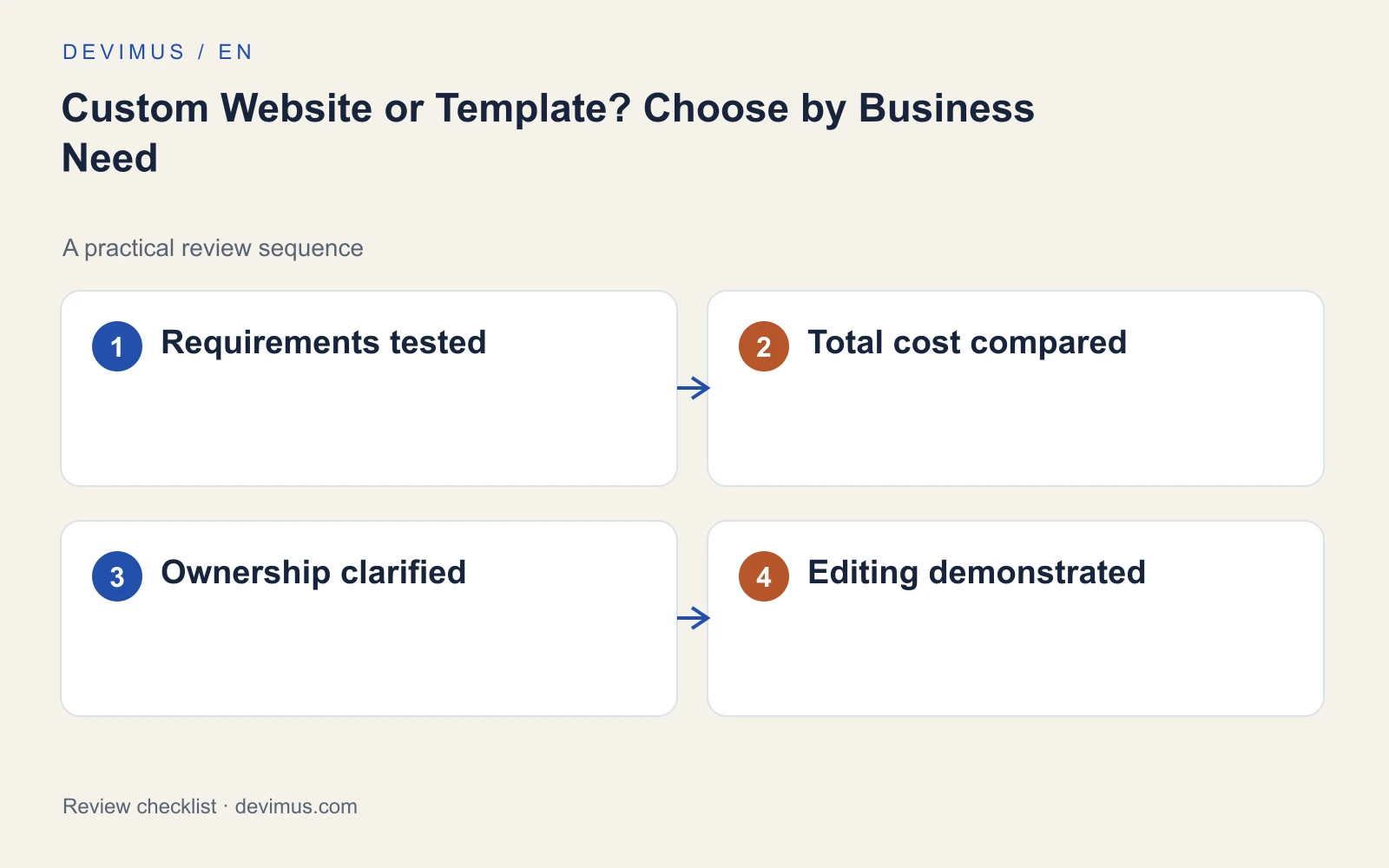
List the pages and interactions that matter most, then ask each supplier to demonstrate the hardest one. A polished demo homepage tells you little about whether your territory-based quote form or booking rules will work. If the answer to "how would you handle this?" is vague, request a small prototype before signing.
Ask the supplier to state what the simpler option would compromise and what the more expensive option actually buys. Putting those requirements into a clear website brief makes quotes comparable, because every supplier responds to the same problem.
How do the full ownership costs compare?
| Cost factor | Template approach | Custom approach |
|---|---|---|
| Initial build | Faster setup; content population still takes time | Design, development and testing for each page type |
| Licences and extensions | Theme and plug-in renewals add up | Fewer third-party licences, more own code to maintain |
| Routine edits | Easy if the editor suits your team | Depends on how well the admin area is built |
| Future changes | Limited by what the theme supports | Flexible, but each change needs a developer |
| Supplier dependency | Many developers know common platforms | Needs documentation so another team can take over |
A cheap start can become expensive if every routine edit needs specialist help. Custom code can also create dependency when only one person understands it. Ask who owns the design files and code, what documentation you receive and how another competent supplier would take over. Our website cost guide explains the factors that move a quote up or down.
Inspect the editing experience before you sign
Have the person who will maintain the site try three tasks in a demo: add a service, replace an image and change a contact detail. Then test mobile layouts and form behaviour with realistic content. If those tasks need a developer, factor that into the cost.
A content management system set up around your page types makes editing safer. That is what CMS development covers: fields that match your content, sensible permissions and fewer ways to break the layout.
An example to apply
Illustrative scenario, not a client case study.
A consultancy needs service pages, articles and an enquiry form. A well-configured template is likely enough, and the budget is better spent on content. A removals firm, by contrast, wants customers to describe a move, see a provisional estimate based on its own rules and send the request straight into its scheduling tool. That workflow needs closer technical evaluation and may justify custom development. The difference is the task, not the prestige of the technology. In both cases, ask for a demonstration of the workflow before paying for a build or buying extensions to force a fit.
Discuss your project
Bring Devimus your must-have features and the way your team edits content. We will show where custom work adds value and where a simpler option is enough, so you choose the least complicated solution that meets your needs.
Explore the relevant service · Request a free estimate