


A website maintenance plan is the routine work that keeps your site secure, recoverable and able to bring in enquiries. For a small service business, a broken enquiry form can cost more than a minor visual defect, so the plan should be built around what customers actually use: contact forms, bookings, payments and accurate information. This guide sets out what a good plan covers, how to check that backups and forms really work, and what to agree with a supplier before you sign.

What should a website maintenance plan cover?
Start by listing the systems your site depends on, then decide who looks after each one. A contract that promises to "keep everything updated" gives you nothing to check against. A useful plan names each item, says whether it is included or charged separately, and states how often it is reviewed.
| Area | What to agree | Question to ask |
|---|---|---|
| Hosting and domain | Who pays, who holds the account, renewal dates | Is the domain registered to our business? |
| Software updates | CMS core, theme, plugins and dependencies | How are updates tested before they go live? |
| Backups | Frequency, storage location, retention | When was a restore last tested? |
| Monitoring | Uptime, security alerts, certificate expiry | Who receives the alert, and when? |
| Forms and integrations | Contact forms, booking, payments, CRM | How do you confirm enquiries still arrive? |
| Content changes | Small edits and a time allowance | What counts as maintenance and what is new work? |
Third-party tools deserve their own line. Booking systems, payment gateways, chat widgets and email delivery services can fail independently of the website, and the plan should say who investigates when they do.
How do you know your backups actually work?
A backup you have never restored is an assumption. Agree where backups are stored, what they include (files, database, media and configuration) and whether a copy is kept away from the main hosting account. Ask the supplier to restore a recent backup to a staging copy at agreed intervals and to record how long it took.
That restore time tells you how long the business could be without a working site after a serious failure. Keep at least one copy that does not depend on the same login as the live site. If the hosting account is compromised or suspended, a backup stored inside it may be out of reach exactly when you need it.
Test the customer journeys that bring in enquiries
Uptime monitoring confirms that a server responds. It does not show that a form is delivering messages, that a booking reaches the calendar or that a language switcher still leads to the right page. After each update, someone should run through the journeys that produce revenue.
- Submit the main contact form and confirm the message arrives in the right inbox.
- Make a test booking or quote request, then remove the test record.
- Tap the click-to-call and email links on a mobile phone.
- Switch languages on a multilingual site and confirm each version loads.
- Complete a low-value test payment if you take payments online.
If you already track website forms, calls and qualified leads, a sudden drop in recorded enquiries is a useful early warning that something has broken. Speed is worth watching as well. Google's guidance on Core Web Vitals explains the loading and responsiveness measures that tend to slip as plugins and scripts pile up.
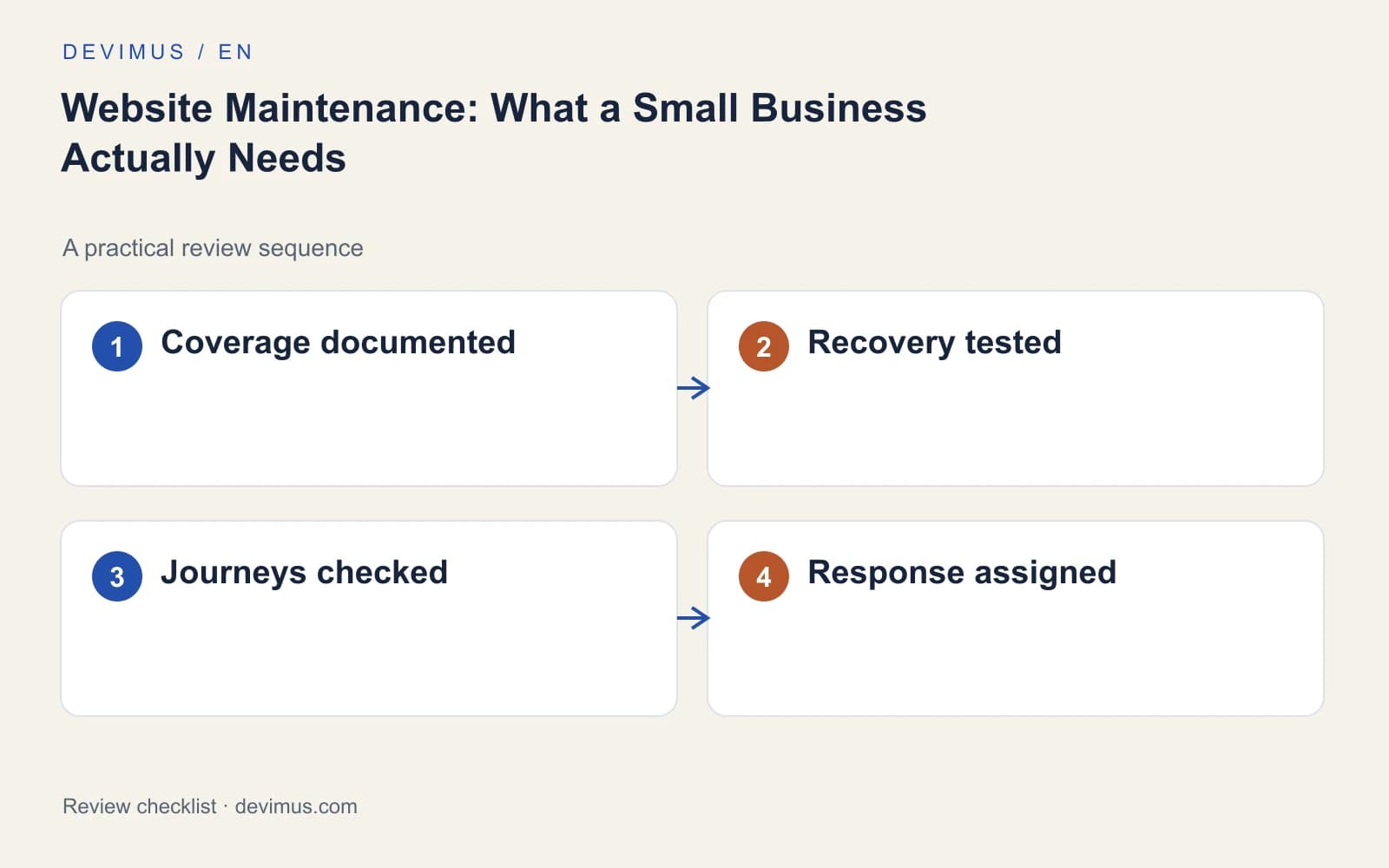
Who owns the accounts, and who responds to problems?
Your business should control access to the domain registrar, hosting, analytics, Google Search Console and any paid tools. Suppliers can work through their own user accounts with the permissions they need. That way, changing supplier, or a supplier becoming unavailable, does not lock you out of your own site.
Define the response process in plain terms. Name the person who receives incident alerts, set the support hours and separate acknowledgement time from resolution time. A supplier may confirm a problem quickly but need longer to fix it, and both commitments should be written down. Search Console's Security issues report belongs on the alert list too, because it can flag hacked content that visitors are unlikely to report.
Keep a simple contact sheet outside the website with account owners, renewal dates and the incident contact. Check that someone in the business can open it when the website or the supplier portal is down.
Maintenance or redesign: where is the line?
Maintenance keeps the existing system operating safely. It does not usually include new features, structural changes or substantial content work, and mixing the two into one monthly fee makes it hard to see what you are paying for. If the site is slow to edit, runs on an unsupported platform or no longer reflects your services, that is a website redesign decision rather than a maintenance task.
When you do plan larger changes, protect the search visibility you have already built. Our website redesign SEO checklist covers redirects, content and tracking before launch. If you are weighing a rebuild, compare a custom website or a template by what each will cost to look after over several years, not only by the launch price.
An example to apply
Illustrative scenario, not a client case study.
A site can be online while its booking integration is disconnected. A routine plugin update changes how the booking widget loads, the page still looks normal, and nobody notices until a regular customer phones to ask why their request went unanswered.
A maintenance checklist that includes a safe test booking would catch this on the day of the update. Decide in advance who investigates a failed test, how test records are removed and how customers can reach the business while the integration is repaired, for example through a phone number shown clearly on the booking page.
Discuss your project
Send Devimus an inventory of your site, hosting and connected tools. We will propose a support scope based on the functions your customers depend on, with clear response times and business-owned access.
Explore the relevant service · Request a free estimate